
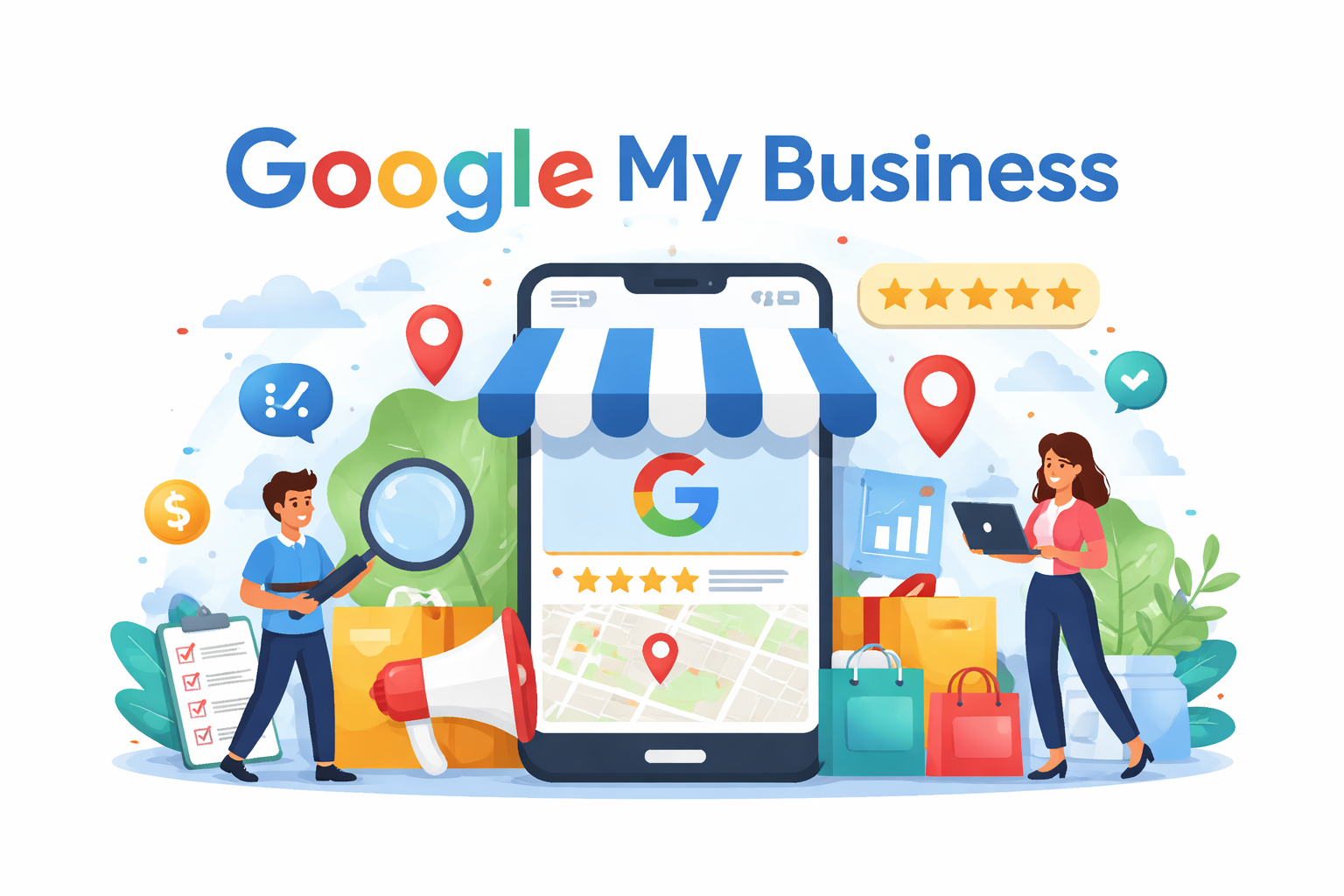
In an era where Consumers turn to Google before making almost any decision, your businesses online presence is no longer optional it is critical. Whether someone is searching for a cafe, a salon, a marketing agency, or a service provider, the first thing they often see is a Google listing.
This is where Google My Business now officially known as Google Business Profile plays a powerful role.
At Creative Diva, we help brands turn simple listings into high-performing digital assets that drive real business growth. In this detailed guide, we’ll walk you through everything you need to know about Google Business Profile and how to use it effectively.
What Is Google My Business (Google Business Profile)?
Google My Business (GMB) is a free tool by Google that allows businesses to manage how they appear in Google Search and Google Maps. It acts as a digital storefront where potential customers can quickly find essential information about your business.
Your profile typically includes:
- Form Responses 1Business name and category
- Form Responses 1Address and location on Google Maps
- Form Responses 1Contact details (phone, website)
- Form Responses 1Business hours
- Form Responses 1Photos and videos
- Form Responses 1Customer reviews and ratings
- Form Responses 1Updates, offers, and posts
Think of it as your brand’s first impression in the online world.
Why Google Business Profile Is So Important
1. Dominates Local Search Results
When users search for services like “digital marketing near me” or “best café in town,” Google displays a local pack usually the top 3 listings. A well-optimized profile increases your chances of appearing here.
2. Builds Instant Trust
Customers trust Google. When your business shows up with good ratings, positive reviews, and updated information, it builds credibility immediately.
3. Drives High-Intent Traffic
People searching on Google are often ready to take action call, visit, or buy. This makes GMB one of the highest-converting digital platforms.
4. Improves Customer Engagement
From reviews to Q&A and posts, Google Business Profile allows direct interaction with potential and existing customers.
5. Completely Free Yet Powerful
Unlike paid ads, this platform offers long-term visibility without direct cost making it ideal for startups and small businesses.
Key Features You Should Be Using
1. Business Information Optimization
Ensure your business name, address, phone number, and hours are accurate and consistent across all platforms.
2. Categories and Services
Choosing the right primary and secondary categories helps Google understand your business and show it to the right audience.
3. Photos and Videos
Visual content plays a huge role. Businesses with high-quality images receive more clicks, calls, and direction requests.
4. Reviews and Ratings
Encourage happy customers to leave reviews. Responding to reviews both positive and negative shows professionalism and builds trust.
5. Google Posts
You can share updates, offers, events, and announcements directly on your profile. This keeps your listing active and engaging.
6. Insights and Analytics
Google provides data such as:
- Form Responses 1How customers found you
- Form Responses 1What keywords they used
- Form Responses 1Actions taken (calls, clicks, directions)
This data helps refine your strategy over time.
How Creative Diva Helps You Succeed
At Creative Diva, we believe that a basic profile is not enough you need a strategy.
Here’s how we elevate your Google presence:
1. Strategic Setup & Optimization
We ensure every detail is accurate, keyword-optimized, and aligned with your brand goals.
2. Content & Visual Branding
From professional images to engaging posts, we make your profile visually appealing and informative.
3. Review Management System
We help you generate more positive reviews and respond effectively to customer feedback.
4. Regular Activity & Updates
Consistency is key. We keep your profile active with posts, offers, and updates.
5. Performance Tracking
We analyze insights and continuously optimize your profile for better results.
Common Mistakes Businesses Make
Even though many businesses create a profile, they often fail to use it effectively. Here are some mistakes to avoid:
- Leaving the profile incomplete
- Using incorrect or irrelevant categories
- Ignoring customer reviews
- Not posting updates regularly
- Uploading low-quality or no images
- Inconsistent business information across platform
Fixing these issues alone can significantly improve your visibility.
Pro Tips to Get Better Results
- Add fresh photos regularly
- Use local keywords naturally in your description
- Encourage customers to leave detailed reviews
- Respond to every review within 24–48 hours
- Keep your business hours updated (especially during holidays)
- Post at least once a week
Small, consistent actions can lead to big improvements over time.
The Future of Local Search
Google is constantly evolving, and local search is becoming more personalized and intent-driven. Features like voice search, mobile-first indexing, and AI-based recommendations are making Google Business Profiles even more important.
Businesses that invest in optimizing their profiles today will have a strong advantage tomorrow.